CRM INTEGRATION


(page optimized for PC/Mac - NOT mobile)
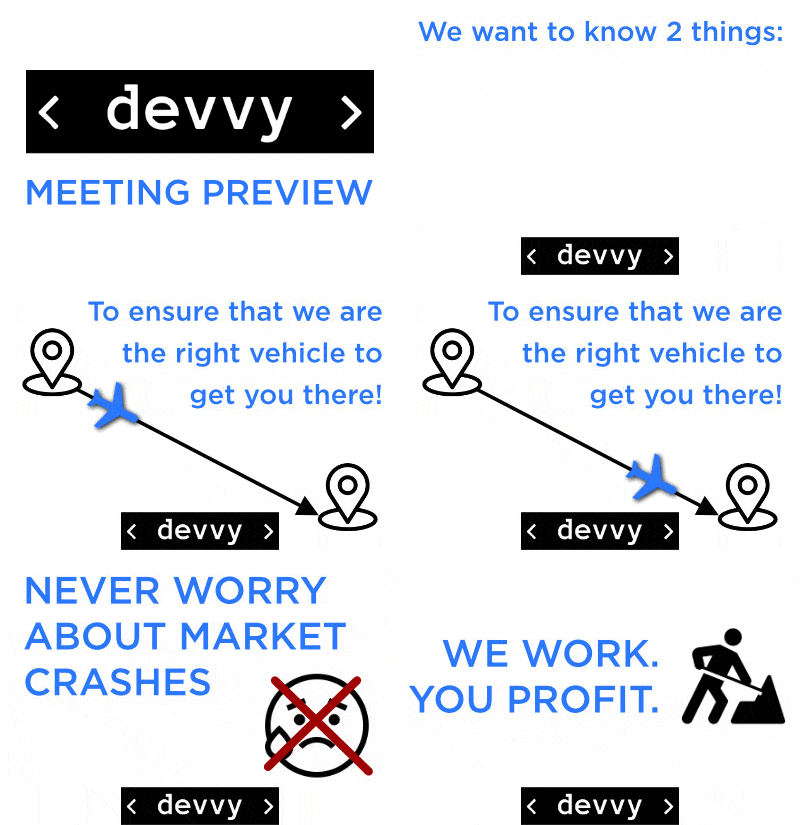
1) PRE-APPT. ANIMATION
PREVIEW ANIMATION to automatically email to prospects BEFORE each meeting to engage, excite, and educate… showcase value-to-be-seen!
RIGHT-CLICK this
'animated-GIF' here --->
and select 'SAVE AS' to
download it to yourPC/Mac.


(AFTER downloading the animated GIF from above, follow these steps:)
STEP 1: Access the "Initial eMail Workflow" and edit the 1st email
STEP 2: Paste the GIF under your 'intro text'.
STEP 3: Send a test email to yourself from GHL to verify it works.
2) PRE-APPT. 'COO VIDEO'
PREVIEW COO VIDEO to EMAIL to prospects prior to the appointment to encourage them to watch our required 4.5 min. animated 'Overview Video'...
(AFTER downloading the animated GIF from above, follow these steps:)
STEP 1: Access the "Initial eMail Workflow" and edit 1 pre-meeting email.
STEP 2: Paste the downloaded GIF under your 'intro text'.
STEP 3: Apply this link to that graphic so that it is now 'HOT':
https://www.youtube.com/watch?v=faHIEWStL_E&t=57s
(or - just paste that link directly below the animation)
STEP 4: Send a test email to yourself from GHL to verify it works.
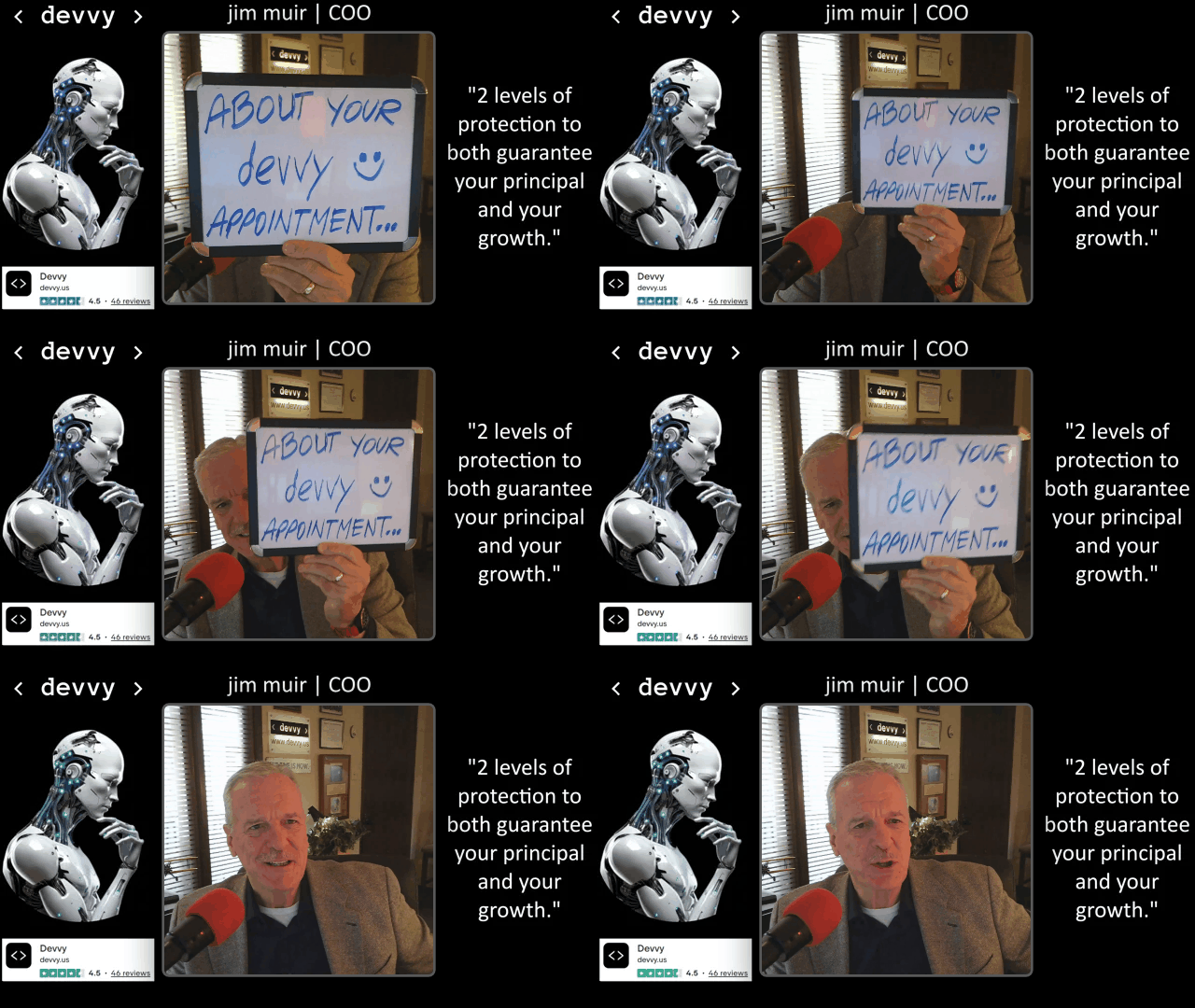
RIGHT-CLICK this
'animated-GIF' here --->
and select 'SAVE AS' to
download it to your PC/Mac.
3) POST-APPT. COO VIDEO
POST-APPOINTMENT VIDEO to EMAIL to prospects immediately after the meeting! This 90-second video deals with 'the-elephant-in-the-room': "I want to think about it!".
The devvy COO deals DIRECTLY with that mindset here and this video will go out AUTOMATICALLY to every prospect who has not closed.
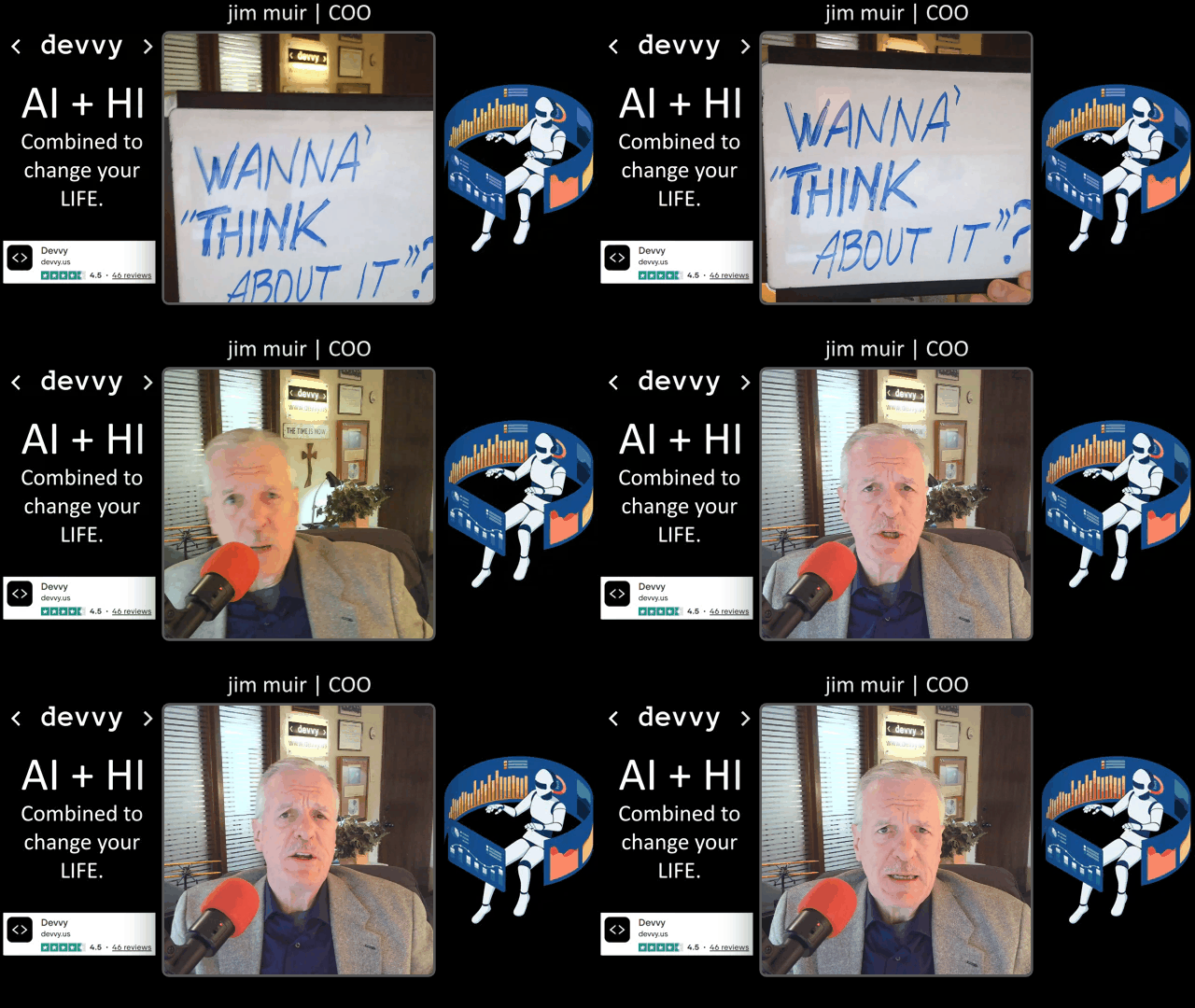
RIGHT-CLICK this
'animated-GIF' here --->
and select 'SAVE AS' to
download it to your PC/Mac.
(AFTER downloading the animated GIF from above, follow these steps:)
STEP 1: Access the "Initial eMail Workflow" and edit 1 post-meeting email.
STEP 2: Paste the downloaded GIF under your 'intro text'.
STEP 3: Apply this link to that graphic so that it is now 'HOT':
https://youtu.be/1O_sxRkj7NE
(or - just paste that link directly below the animation)
STEP 4: Send a test email to yourself from GHL to verify it works.